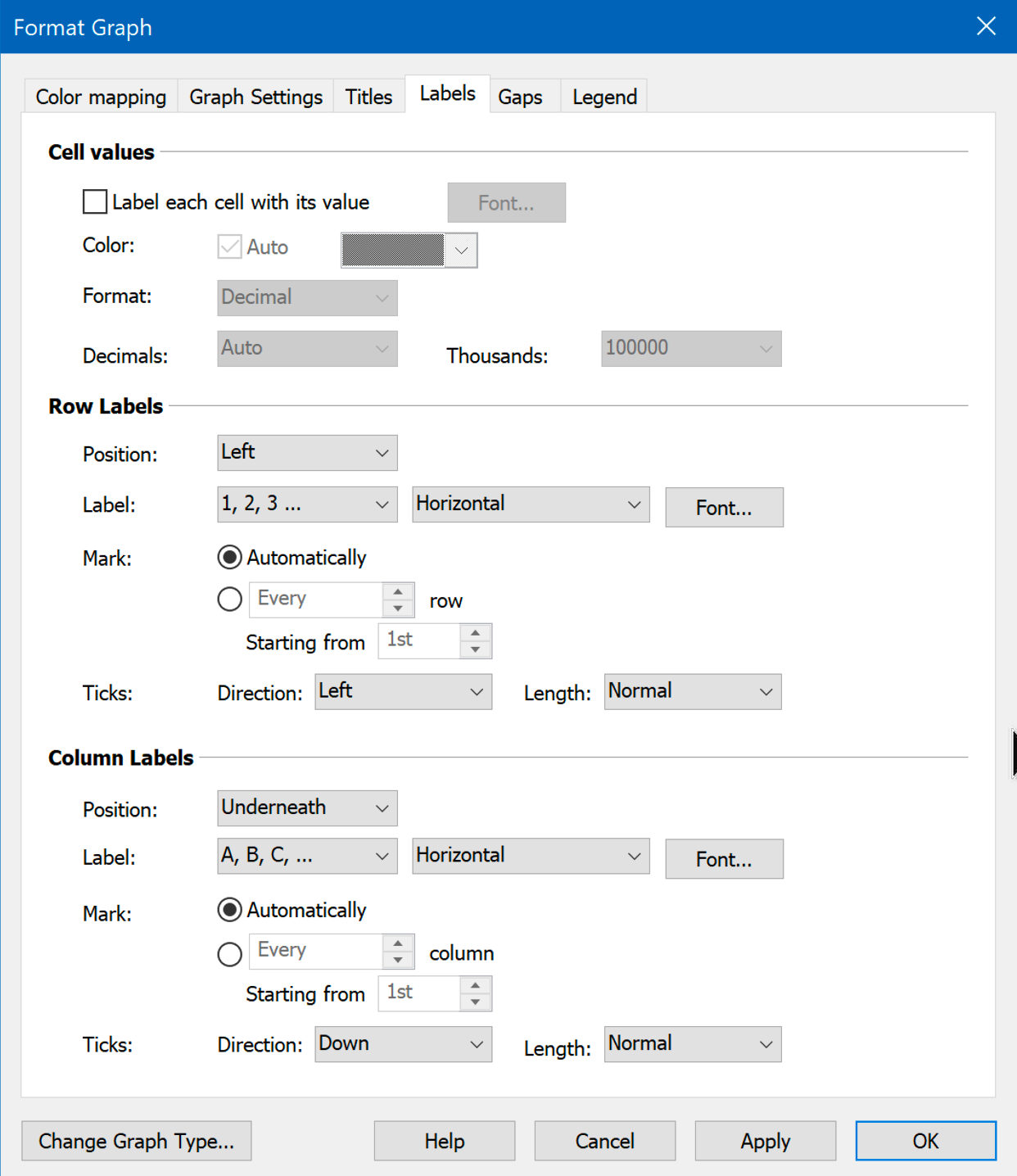
Choose whether to write the numerical value (or the mean, median, etc) of each cell in that cell, and how to label the two axes.
If you place the value in each cell, choose one color for all values or choose "auto" so the colors are either black or white depending on the cell color. With Prism Windows, the auto choice is in the Format Graph dialog as shown above. With Prism Mac, the auto choice is in the color picker as shown below.

If you’ve checked the box to ‘Label each cell with its value’ on the Format Graph ‘Labels’ tab, but some or all of the labels are missing, try the following:
•Increase the size of the graph (by dragging its edges).
•Go to the Format Graph ‘Labels’ tab, click the ‘Decimals’ drop down and reduce the number of decimals.
•Go to the Format Graph ‘Labels’ tab, click ‘Set Font’ and reduce the font size until the labels fit.